tools
DMC floss bobbin labels
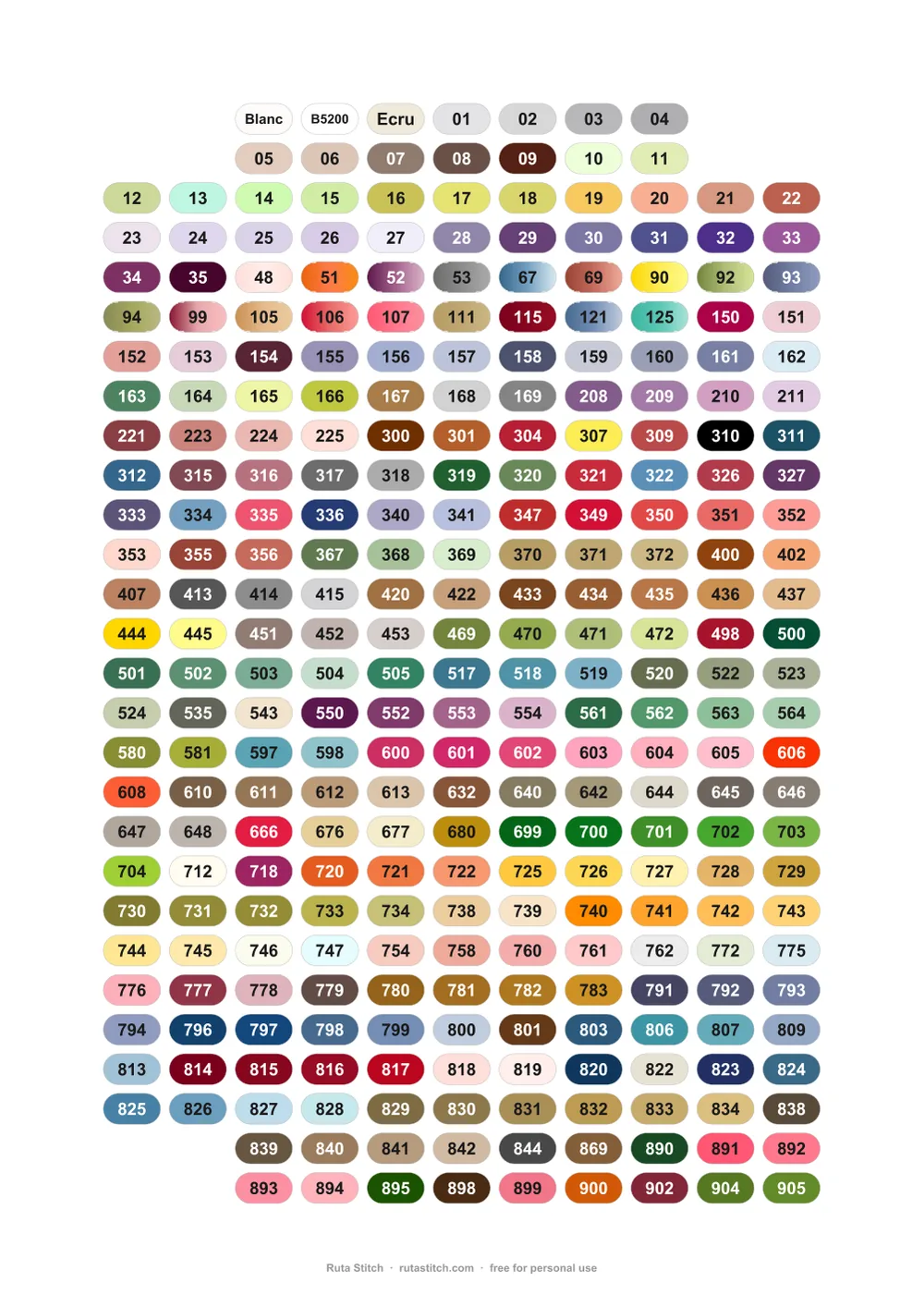
507 DMC colours as 13 × 7 mm stickers for floss bobbins. Free to print.
Download
Cutting machine
Print & Cut. Magenta cut lines, corners free for registration marks.
How to print
Print at 100% (actual size), not “fit to page”.
Use matte sticker paper.
Cutting machine: open the Print & Cut file, add registration marks, cut by the magenta line.
Colours match the thread on screen. Printed colours depend on your printer.
DMC, Cricut and Silhouette are trademarks of their owners. Ruta Stitch is not connected with them.
Free for personal use. Share the link rather than the files.
About these labels
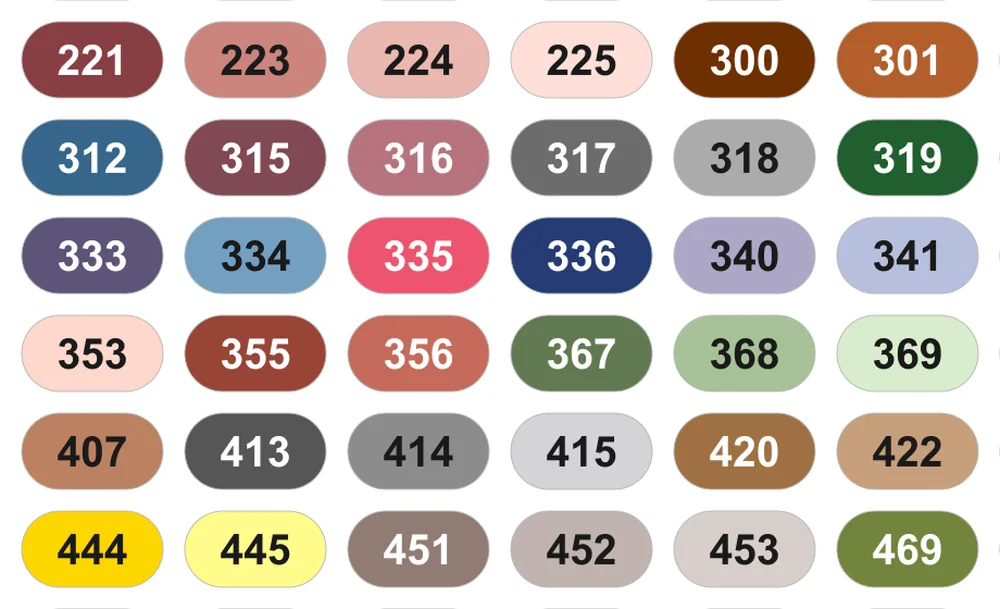
Ruta Stitch bobbin labels keep your floss in order. Each 13 × 7 mm label is filled with the thread colour and shows the DMC number, so you find the right bobbin at a glance. The two sheets hold 507 DMC colours in number order: Blanc, B5200, Ecru, then 01 to 3866.
Questions
What bobbins do they fit?
Each label is 13 × 7 mm, made for standard plastic and cardboard floss bobbins.
How do I print them at the right size?
Use matte white sticker paper for your printer, inkjet or laser. Choose 100% or Actual size in the print window, not Fit to page. A printed label should measure 13 mm across.
Can I cut them with a Silhouette or Cricut?
Yes. Use the Print & Cut PDF or the SVG files: magenta lines mark the cut, and the corners stay free for registration marks. In Silhouette Studio, PDF and SVG need Designer Edition or higher. Cricut Print Then Cut takes about 6.75 × 9.25 in at a time, so split each page into smaller groups in Design Space first.
Which DMC colours are included?
507 DMC stranded cotton colours: Blanc, B5200, Ecru and numbers 01 to 3866. The 18 variegated colours are shown as colour blends.
Are they free?
Yes, free for personal use. Please share the link to this page rather than the files.
Are there labels for other thread brands?
Not yet. Only DMC for now.
Stitch your PDF patterns in Ruta Stitch
Open a pattern, mark stitches as you go, keep your place on every device.